Rebooking, no-shows and the waiting list
Book a client's next visit in a few taps, record a no-show, and keep a list of clients waiting for a gap.
Rebook their next visit
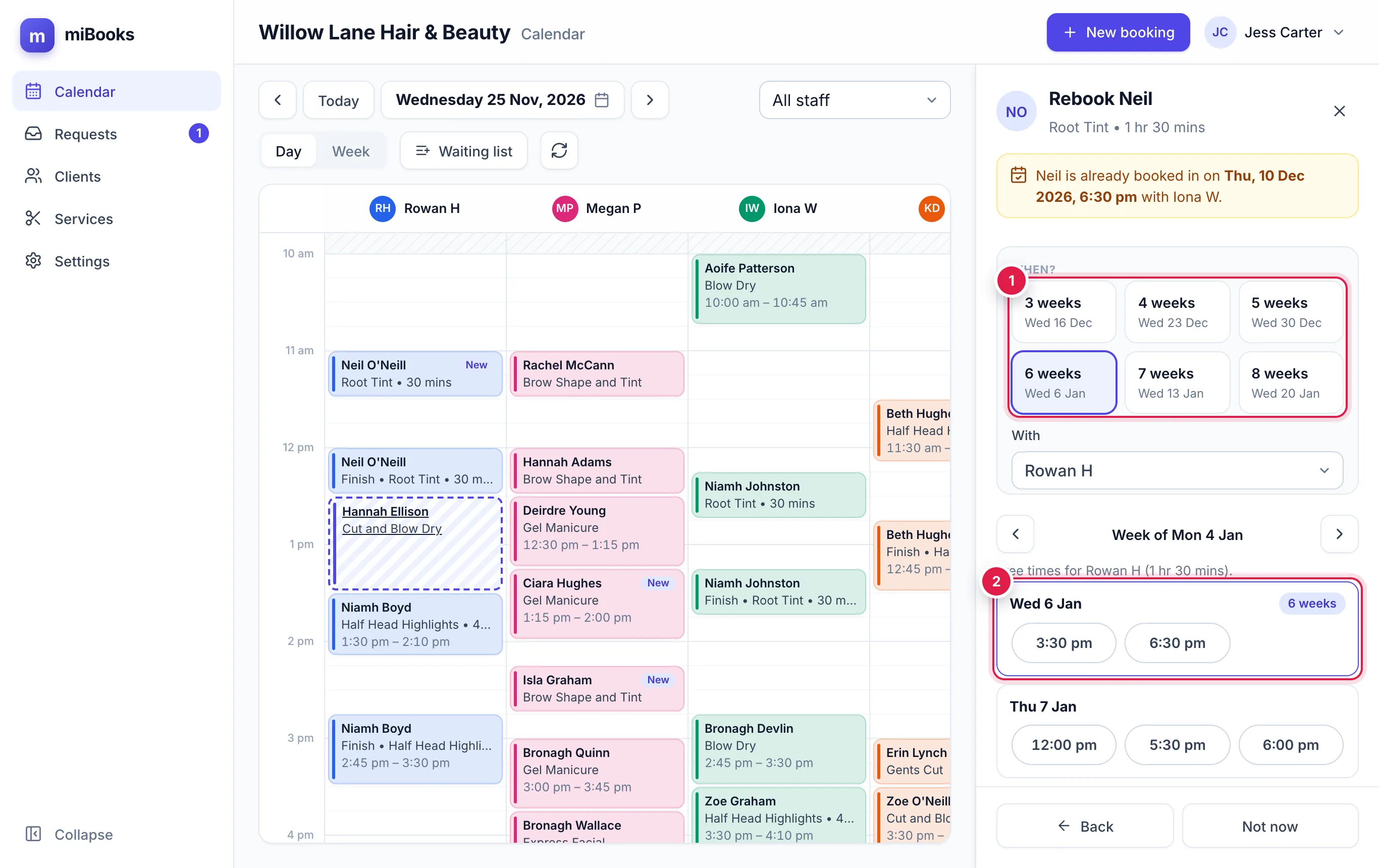
Press the client's booking, then Rebook.
Pick how far ahead 1: 3 weeks to 8 weeks from this visit. Usual marks their normal gap, worked out from their history.
miBooks shows that week's free times for the same stylist and length 2. The same time as today is highlighted. Use ‹ › for the week before or after, or change the stylist under With.
Press a time. The booking form opens with everything filled in. Check it and press Book.
Record a no-show
From the day of the appointment, the booking has a No-show button. Press it and confirm. The booking stays in their history.
- Next time they're booked, the form shows a yellow note. From 2 no-shows it turns red and asks you to confirm.
- Marked by mistake? Press Undo no-show.
The waiting list
Use it for clients who want an appointment on a day that's full.
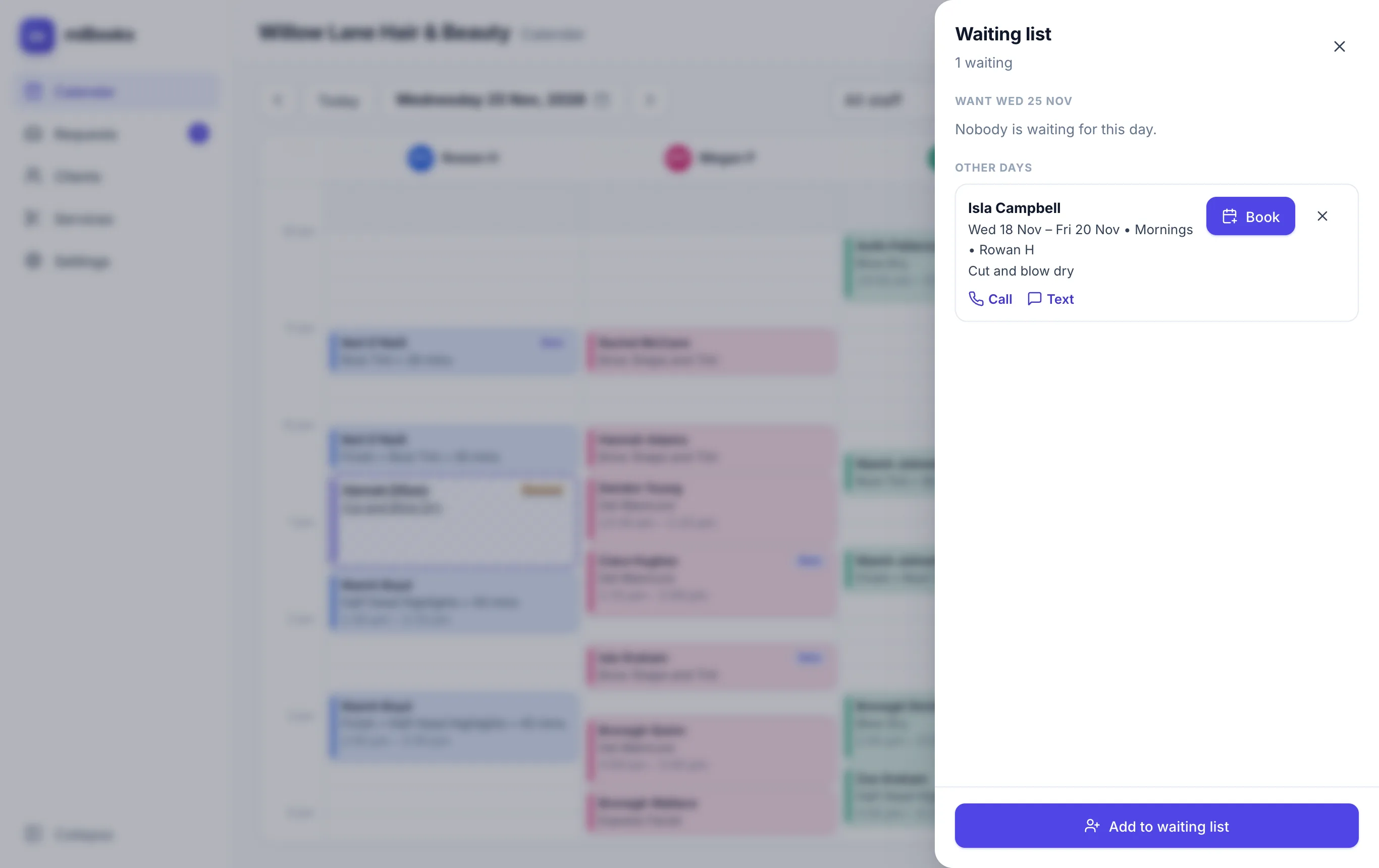
Press Waiting list in the diary toolbar.
Press Add to waiting list, then choose the Client, the day or days (From), the stylist (or Any stylist), What for, the Times that suit, and any Notes.
When a gap appears, open the waiting list and press Book next to them. The booking form opens for them, and they come off the list once booked.
The number on the Waiting list button is how many people want the day you're looking at.